
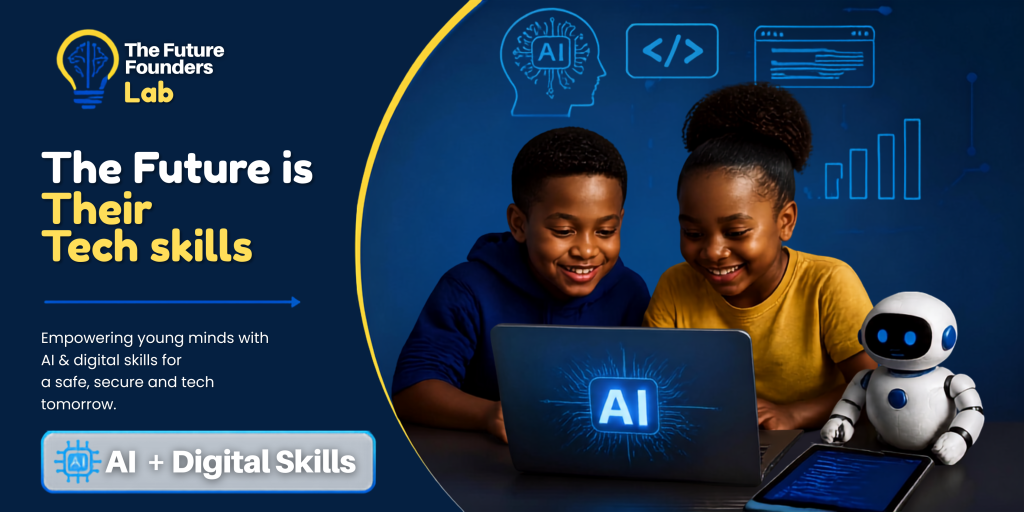
Practical Skills for a Digital Future
At The Future Founders Lab, we believe children should not only consume technology – they should understand it, create with it and use it responsibly.
Our programs introduce children and teens to essential digital and technology skills through practical, hands-on learning. Each module is designed to build confidence, creativity, problem-solving and responsible digital behaviour.
Children learn through activities, demonstrations, guided projects, challenges and practical exercises rather than simply listening to theory.
1. Digital Literacy
Helping children become confident, capable and responsible digital citizens.
Technology is now part of almost every aspect of life. Digital literacy gives children the foundational skills they need to navigate computers, smartphones, online platforms and digital tools confidently and responsibly.
What your child will learn
Understanding Technology
- What computers and digital devices are and how they work
- Different types of digital devices and what they are used for
- Understanding hardware and software
- Basic computer terminology
- How different technologies connect and work together
Computer and Device Skills
- Using a keyboard and mouse effectively
- Creating, saving and organising files and folders
- Basic document creation and editing
- Working with images and other digital content
- Using common productivity and learning tools
- Understanding basic device settings and functions
Internet Skills
- How the internet works at a basic level
- How to search for information effectively
- How to identify useful and reliable information
- Understanding websites, browsers and search engines
- Introduction to online communication and collaboration
Digital Research Skills
- How to search for information using the right keywords
- How to compare information from different sources
- Understanding the difference between facts, opinions and unreliable information
- Introduction to recognising misleading or false information
- Learning how to use online information responsibly
Digital Communication
- How to communicate appropriately online
- Writing professional and respectful emails and messages
- Understanding digital etiquette
- Working collaboratively using digital tools
- Understanding how online communication can affect others
By the end of the module, your child will be able to:
- Use everyday digital devices with greater confidence
- Navigate online platforms more effectively
- Find and evaluate information online
- Create and organise basic digital content
- Communicate responsibly using digital tools
- Use technology as a tool for learning, creativity and productivity
2. Artificial Intelligence
Introducing children to one of the most important technologies shaping their future.
Artificial Intelligence is changing education, business, creativity and the workplace. Our AI module gives children an age-appropriate introduction to AI and helps them understand both its possibilities and its responsibilities.
The goal is not simply to teach children how to use AI tools. It is to help them understand how to use AI as a tool for thinking, learning and creating while still using their own judgement and creativity.
What your child will learn
Understanding AI
- What Artificial Intelligence means
- How AI is used in everyday life
- Examples of AI children may already encounter
- How AI systems can recognise patterns and generate information
- The difference between AI and traditional computer programs
Exploring AI Tools
- Introduction to age-appropriate AI tools
- How AI can support learning and creativity
- Using AI to brainstorm ideas
- Using AI to organise and explain information
- Exploring how AI can assist with creative projects
Prompting and Giving Instructions
- What a prompt is
- How to give clear instructions to an AI tool
- How to ask better questions
- How to improve an AI-generated response
- Understanding that better instructions can produce better results
AI and Creativity
Children will explore how AI can support:
- Story ideas
- Creative writing
- Presentations
- Research
- Brainstorming
- Digital projects
- Problem-solving
- Creative experimentation
Critical Thinking and AI
- Why AI does not always give correct answers
- How to check information generated by AI
- Why children should not blindly trust AI
- Understanding bias and limitations
- The importance of human judgement and creativity
Responsible Use of AI
- Academic honesty and responsible use of AI
- Protecting personal information
- Understanding what information should not be shared with AI tools
- Using AI as a learning assistant rather than simply getting answers
- Understanding the importance of human creativity and decision-making
By the end of the module, your child will be able to:
- Explain what AI is in simple terms
- Identify how AI is used in everyday life
- Use age-appropriate AI tools responsibly
- Write clearer and more effective prompts
- Use AI to support creative projects and learning
- Check AI-generated information rather than accepting it automatically
- Understand the opportunities and limitations of AI
3. Online Safety
Helping children navigate the internet with confidence, awareness and good judgement.
The internet provides incredible opportunities for learning, creativity and connection. It also comes with risks.
Our Online Safety module teaches children how to recognise potential dangers, protect their personal information and make responsible decisions when interacting online.
What your child will learn
Personal Information and Privacy
- What personal information is
- Why personal information needs to be protected
- What information should not be shared online
- Understanding usernames, profiles and digital identities
- How oversharing can create risks
Passwords and Account Security
- What makes a strong password
- Why passwords should be kept private
- Understanding the importance of unique passwords
- Introduction to additional account security measures
- Recognising suspicious login requests
Scams and Online Tricks
- What online scams are
- How scammers try to manipulate people
- Recognising suspicious messages and links
- Understanding fake offers and misleading websites
- What to do when something online does not feel right
Social Media Safety
- Responsible social media behaviour
- Understanding privacy settings
- Thinking before posting
- Understanding that online content can have long-term consequences
- Respectful interaction with other people online
Cyberbullying and Online Behaviour
- What cyberbullying is
- How to respond to harmful online behaviour
- When to block or report someone
- Knowing when to seek help from a trusted adult
- Treating others respectfully online
Digital Footprint
- What a digital footprint is
- How online activities can leave a record
- Understanding the importance of responsible posting
- Thinking about the future impact of online content
Making Safe Online Decisions
Children will learn a simple approach to dealing with situations that may feel unsafe or uncomfortable online – including when to stop, avoid responding and involve a trusted adult.
By the end of the module, your child will be able to:
- Protect their personal information
- Identify common online risks
- Recognise suspicious messages, links and requests
- Make safer decisions on social media
- Understand the importance of strong account security
- Respond appropriately to cyberbullying
- Understand their digital footprint
- Know when and how to ask a trusted adult for help
4. Coding for Kids
Turning children from technology users into technology creators.
Coding teaches children more than how to write computer instructions. It develops logical thinking, creativity, patience and problem-solving.
Our Coding for Kids module introduces programming in an engaging and age-appropriate way, allowing children to learn by building and experimenting.
What your child will learn
Introduction to Coding
- What coding is
- How computers follow instructions
- Understanding commands and sequences
- How programmers solve problems
- Introduction to programming concepts
Logical Thinking
Children learn how to:
- Break a problem into smaller steps
- Think logically
- Identify patterns
- Follow sequences
- Develop step-by-step solutions
Programming Concepts
Depending on the child’s level, they will be introduced to concepts such as:
- Sequences
- Events
- Conditions
- Loops
- Variables
- Functions
- Basic algorithms
Creating Digital Projects
Rather than only learning theory, children will apply their knowledge by creating simple projects such as:
- Interactive stories
- Games
- Animations
- Digital challenges
- Simple applications and interactive experiences
Debugging and Problem-Solving
One of the most important lessons in coding is learning that mistakes are part of the process.
Children learn how to:
- Identify errors
- Test their work
- Find solutions
- Make improvements
- Try different approaches when something doesn’t work
Creative Coding
Children are encouraged to use coding as a creative tool. They can develop their own ideas, experiment with different concepts and gradually turn their ideas into working digital projects.
By the end of the module, your child will be able to:
- Explain the basic concept of coding
- Understand how computers follow instructions
- Apply fundamental programming concepts
- Break problems into logical steps
- Build simple interactive digital projects
- Identify and fix basic coding errors
- Approach challenges with greater patience and persistence
- Use technology to create rather than simply consume
What Makes Our Learning Different?
We Don’t Just Teach Technology. We Teach Children How to Think With It.
At The Future Founders Lab, our goal is to develop children who are curious, creative, confident and capable.
Our learning experience combines:
🧠 Critical Thinking
Children learn to ask questions, evaluate information and think before accepting what they see online.
💡 Creativity
Children are encouraged to develop ideas, experiment and create their own digital projects.
🔧 Practical Skills
Lessons focus on doing, creating and experimenting rather than memorising technology concepts.
🧩 Problem-Solving
Children learn how to approach challenges, break problems down and find solutions.
🌐 Digital Responsibility
We teach children that technology comes with responsibility – including how they communicate, what they share and how they behave online.
🚀 Future Readiness
The skills developed through these modules provide a foundation for continued learning in technology, entrepreneurship, creativity and other future-focused areas.
What Your Child Takes Away
By participating in The Future Founders Lab, your child is not simply learning how to use another app or device.
They are developing the ability to:
Understand technology.
Know what it does, how it works and how it can be used.
Create with technology.
Move from simply consuming digital content to building, designing and experimenting.
Think critically.
Question information, evaluate what they see and make informed decisions.
Stay safe online.
Understand digital risks and develop responsible online habits.
Solve problems.
Approach challenges logically and develop solutions.
Use AI responsibly.
Understand the possibilities of AI while recognising its limitations.
Prepare for tomorrow.
Build foundational skills that can support future studies, careers, entrepreneurship and creativity.
The Future Is Their Tech Skills.
Give your child more than screen time. Give them the skills to make something with it.
Explore our programs and enroll your child today.